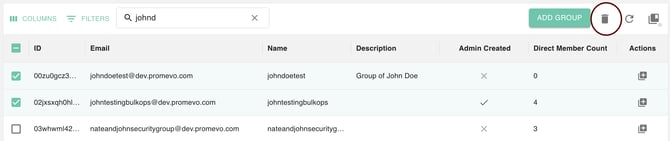
Select the group you wish to delete by selecting it from the list or searching for it in the search bar. Once you have selected the desired group to delete, click the Delete Group button in the upper right corner.
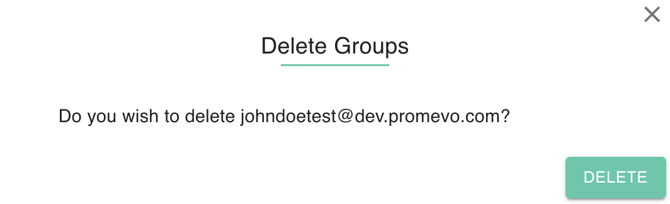
Confirm that you want to delete the group and click Delete.
Delete multiple groups
Select the groups you wish to delete by selecting them from the list. They will be highlighted with yellow when they are selected.
Click the Delete Group button in the upper right corner.
Confirm that you want to delete the groups and click Delete.