 User Management
 Group Management
 OU Management
 Gmail Management
 Drive Management
 Calendar Management
 Device Management
 Workspace Reporting
 Workspace Automation
 Billing & License Management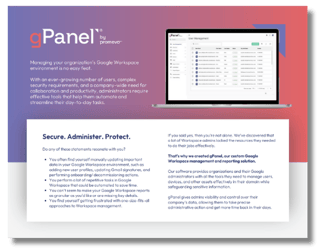
gPanel Versus Google Apps Manager: Comparing Workspace Admin Tools
 gPanel by Promevo : Oct 2, 2025 5:00:00 AM




Simplify Google Workspace management with our most essential tools for user and email administration.

Unlock powerful automation, bulk actions, and reporting features to streamline and scale your admin workflows.

Take full control of your domain with advanced policies, APIs, and security tools built for large or complex environments.
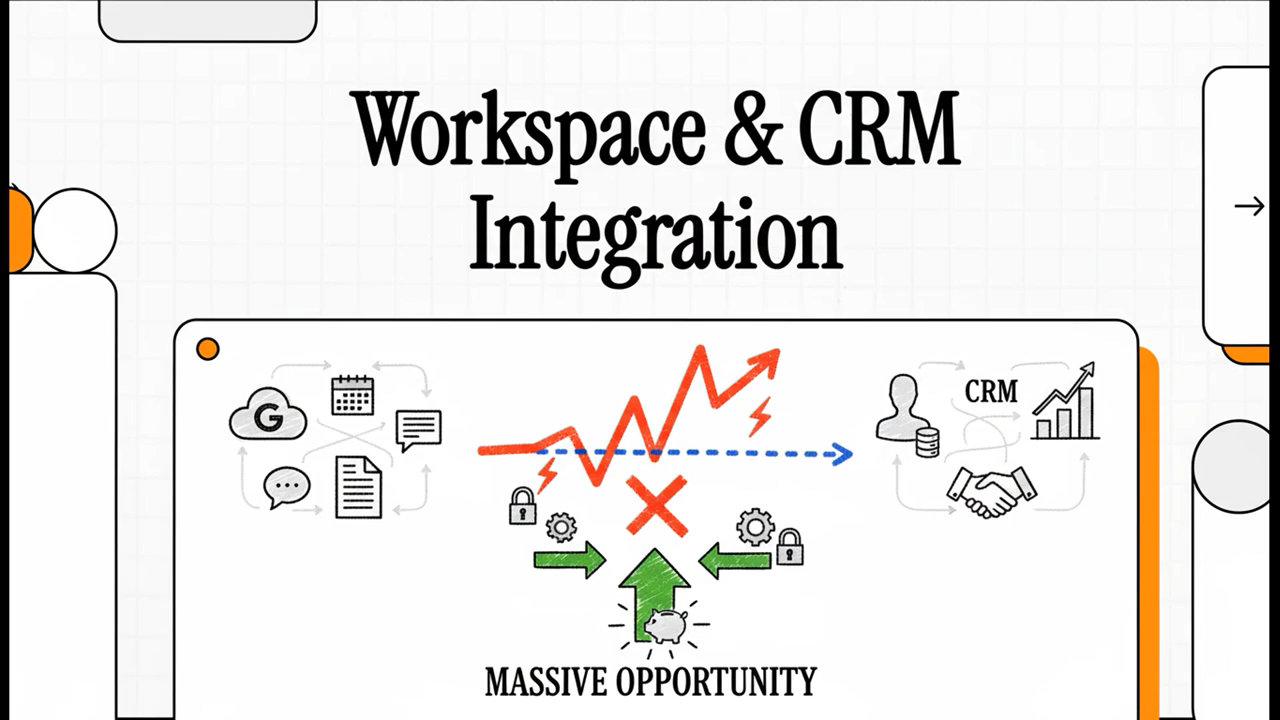
The modern tech stack tends to be sprawling and complex. But getting the most out of each software tool you use — especially the most essential — requires making sure they can work well together.
At many organizations, Google Workspace is high on the list of essential products, with your customer relationship management platform (CRM) likely ranking high as well. Workspace enables effective communication, collaboration, and digital organization internally, while the CRM helps you manage and improve your relationship with leads and customers.
Both are essential business functions, which makes both products a top priority in many IT departments. Bringing them together to compound their value is an obvious choice.
Whatever CRM you use — whether HubSpot, Salesforce, Zoho, or another — connecting it to Workspace can simplify IT user management and reduce your workload.
How much time do you spend now handling user management? Each new employee needs to be set up on every technology platform relevant to their job. That could potentially include dozens of products — the average tech stack is in the hundreds).
As if that wasn't enough, every time an employee moves on, they then need to be removed from all those products. And whenever an employee changes roles in the organization, you may need to change out which products they have access to, as well as the level and type of access they have to each.
That's before you even consider the third parties that may need access to your products — freelancers your company hires, external vendors you work with, outside firms that handle specific work functions for you — the list can get long. That can quickly add up to a lot of tedious, time-consuming work for IT just managing tech access.
Integrating your CRM and Workspace can open up opportunities to automate some of that work. You can set up automated workflows that ensure user updates you make in Workspace are reflected in the CRM automatically (or vice versa). And beyond reducing the time you spend on manual admin work, it can also help:
Having the two tools already linked when you set up a new user’s profiles and access levels makes it easier to be certain you're providing the right permissions to the right person.
When it comes to your company's proprietary and sensitive data, the more you can do to minimize the possibility of those errors, the better. Using tech integrations to enable automated processes can go a long way toward improving data security within your organization.
With any tech integration, thinking through potential issues that may arise can help you develop a stronger strategy for both completing the integration and using the products together effectively once it's done.
For IT teams, some common Workspace and CRM integration challenges to plan for include:
To minimize data vulnerabilities, you want to be careful not to provide external users more access than they need to perform their roles, while also making sure you're not getting in the way of their ability to handle their responsibilities. It can be a delicate balance, but by thinking through how to handle these use cases in advance and using the integration to reduce the steps involved, you can simplify some of the process.
By linking your main software products, you can establish an offboarding process that automatically removes access to multiple products at once. Instead of having to remember to delete accounts manually from each one, getting it done in fewer steps helps you complete offboarding sooner and more efficiently.
Your CRM and Workspace integration should make this easier on your IT team, by letting you clarify the access level in one place and know that the appropriate permissions will extend to the other.
If integrating the two systems sounds like an arduous task, you don't have to do it the hard way. The Google Workspace management tool, gPanel, not only makes connecting Workspace and your CRM easier, but also offers features to help you make the most of that connection. With the gPanel API, you can:
Once you've pulled off the integration, you can start looking for use cases where automation will make your life easier. For some ideas to help you get started, here are a few examples of potential CRM automation use cases:
With the gPanel API, you can remove them from both Workspace and a CRM simultaneously. Suspending their account in one place automatically removes them from the other, saving you that extra step.
Whenever you onboard or offboard someone in Workspace, you can have gPanel automatically update or remove the relevant label in your CRM as well.
With gPanel, you can ensure that when a user changes departments or roles, you only need to make updates in gPanel for their CRM access levels to update automatically as well. And if you used role-based access control within gPanel, making changes there will be fast and easy to begin with.
Before setting up your CRM integrations for Google Workspace, you want to think through how you'll be using the two tools together. Here are a few suggestions to help you make the most out of the connection:
Staying on top of these details can help you identify issues early, and minimize security and compliance risks sooner rather than later.
Take every opportunity you can to set up automations that make your job easier. Beyond improving employee morale for your IT team, doing so can also reduce errors and improve security.
Your job is hard enough. As software sprawl continues to create more work and security threats get more complex, IT teams should use every tool available to help you do your job smarter. With the help of the gPanel API, CRM integrations can become a part of your existing Workspace governance strategy.
Instead of treating the CRM as a separate system to be dealt with on its own, you can fold it into the processes you already use to manage Google Workspace. With minimal initial work, you can automate access control, improve data security, and initiate smoother onboarding and offboarding processes across both systems.
If you're not using gPanel yet, schedule a free demo to see the difference it can make. If you’re an existing Enterprise customer, get started using the gPanel API today. Your Client Success manager can help you through the process.



gPanel by Promevo : Oct 2, 2025 5:00:00 AM
.jpg)
gPanel by Promevo : Jul 31, 2023 5:00:00 AM
Managing your organization’s Google Workspace environment is no easy feat. With an ever-growing number of users, extensive security requirements, and...

gPanel by Promevo : Jan 16, 2024 5:00:00 AM
Managing user onboarding, offboarding, and other common workflows in Google Workspace can be time-consuming for administrators. They must manually...