Endpoint management and verification are important features of Google Admin console that allow you to access your organization's data and get details about the devices within your system. But sometimes, endpoints can have issues like the inability to sync or trouble with client certificate requests.
Let's explore the importance of endpoint verification and management and how you can resolve common problems.
68%
of orgs report endpoint security as a top IT concern
3.5×
more likely to suffer a breach without endpoint visibility
100%
of ChromeOS devices can be policy-enforced via Admin console
1 pane
gPanel gives you centralized control across your entire fleet
Understanding Endpoint Management for Admin Console
As mentioned, endpoint management and verification allow administrators in your organization to control device access to your data and manage the devices that do. To activate endpoint verifications, you must install the Chrome browser, the Endpoint Verification extension, and potentially a helper app on your computer.
Endpoint verification turns passive device access into a managed, auditable, policy-driven process — giving IT administrators real-time visibility into every device touching your Google Workspace data.
— Google Workspace Admin Documentation
Once endpoint verification is installed, your Chrome browser is open, and you're signed into a managed Google account, administrators can see:
🖥️
Device ID, serial number, type, and operating system
👤
User name and managed email address
🔄
First and last sync time, encryption status, and device password
📋
Whether the device follows organization policies (Chrome devices only)
Endpoint management helps maintain the security protocols for ChromeOS devices within the network. It provides a simple way to apply and enforce security policies across all devices, either at the top organizational unit selected or within the child organizational unit.
Top Issues Relating to Endpoint Management for ChromeOS
From sync issues to client certificate requests, varied problems can arise when managing endpoints on Google Admin console. These issues might involve the parent or child organizational unit or revolve around the registry key.
A common issue with endpoint management and verification is the inability to sync. Let's review how to resolve this issue on macOS and Windows.
macOS
Can't Sync Because of a Keychain Authorization Error
In the Chrome browser on a macOS device, you may get an error that endpoint verification cannot sync due to a Keychain authorization error. First, try logging out of your computer and signing in again. If this doesn't solve the issue, follow these steps:
1
On your Mac, open the Keychain Access application.
2
Click "login" on the left.
3
If the icon shows it's locked, right-click "Login" and then click Unlock Keychain "Login."
4
At the left, click "Passwords."
5
On the password list, double-click "Endpoint Verification Safe Storage."
6
Click "Access Control."
7
If "Confirm before allowing access" is selected:
Select "Allow all applications" to access this item and click "Save Changes."
In the Chrome browser toolbar, click "Endpoint Verification" and "Sync Now." If unsuccessful, continue to step 8.
8
If "Allow all applications to access this item" is already selected or sync still errors:
In Keychain Access, right-click "Endpoint Verification Safe Storage" and click "Delete."
In Chrome, open the Endpoint Verification extension and click "Sync Now."
Windows
Can't Sync Because of a Data Protection API Error
You may get an error in your Chrome browser that endpoint verification cannot sync due to a Data Protection API error. This can happen when S4U (Service for User) scheduled tasks run on your device.
To determine if S4U tasks are causing the error, follow these steps:
1
Lock the device screen.
2
Within 15 seconds, unlock the device screen.
3
Within 15 seconds, click Endpoint Verification in the Chrome browser toolbar, then click "Sync Now." If the sync is successful, the error is likely caused by an S4U task.
To identify S4U tasks and resolve the issue, follow the steps here.
Windows
Can't Sync Because Can't Recover Data Protection Key
On Windows devices, you may get an error that Endpoint Verification cannot recover the data protection key and can't sync. This is also due to S4U scheduled tasks set to run on your device, but you have an earlier version of the Chrome browser.
Preventing Future Issues in Endpoint Management for ChromeOS Devices
Preventing future issues with endpoint management on Google Admin console involves regular software updates, constant vigilance, and understanding common issues.
Keep all ChromeOS devices up to date to avoid known sync and certificate bugs.
Continuously monitor endpoint verification status across your fleet.
Train admins to recognize the difference between macOS Keychain errors and Windows DPAPI errors — the resolution paths are distinct.
When diagnosing a user issue, have the user download Endpoint Verification logs: open Chrome → right-click the Endpoint Verification toolbar icon → click Options → Download Log.
Apply and review policies at both the parent and child organizational unit levels — don't assume top-level settings cascade correctly to every OU.
Google Admin Console vs. gPanel®: Endpoint Management at a Glance
Google Admin console is a capable starting point — but growing organizations often hit its ceiling. Here's how native Admin console capabilities compare to what gPanel layers on top:
Capability
Google Admin Console
gPanel
Device fleet visibility
✔ Basic
✔ Centralized dashboard
Policy enforcement (ChromeOS)
✔
✔ + OU-level granularity
Endpoint verification
✔ Requires manual setup
✔ Surfaced in unified UI
Bulk device actions
— Limited
✔ Full bulk operations
User + device correlation
Partial
✔ Linked user profiles
Custom reporting on device data
—
✔ 70+ report types
Role-based admin access
Partial
✔ Fully customizable roles
Gmail, Drive, Groups management alongside devices
— Separate workflows
✔ Single pane of glass
gPanel®: Amplify the Power of Google Admin Console
Are you looking for an endpoint management solution but need more control and visibility than Google Admin Console can provide? gPanel is the tool for you.
gPanel is a proprietary Google Workspace management and reporting platform developed by Promevo. This centralized user management, reporting, and security interface automates many common admin tasks and provides visibility and complete control over users' data and settings. It's more than just a standard, one-size-fits-all Google Workplace service — it's a constantly evolving solution improved by feedback and suggestions from real clients.
When you choose gPanel for your organization, you can not only manage your ChromeOS device fleet but also:
Streamline user management (Docs, Groups, Gmail settings, and more)
Modify Gmail signatures for anyone in your org
Sync contacts between users
View and manage device access per user
Search text in any Drive document across your domain
Generate comprehensive reports (docs, emails, groups, and more)
Customize user and admin roles with granular permissions
See gPanel in Action
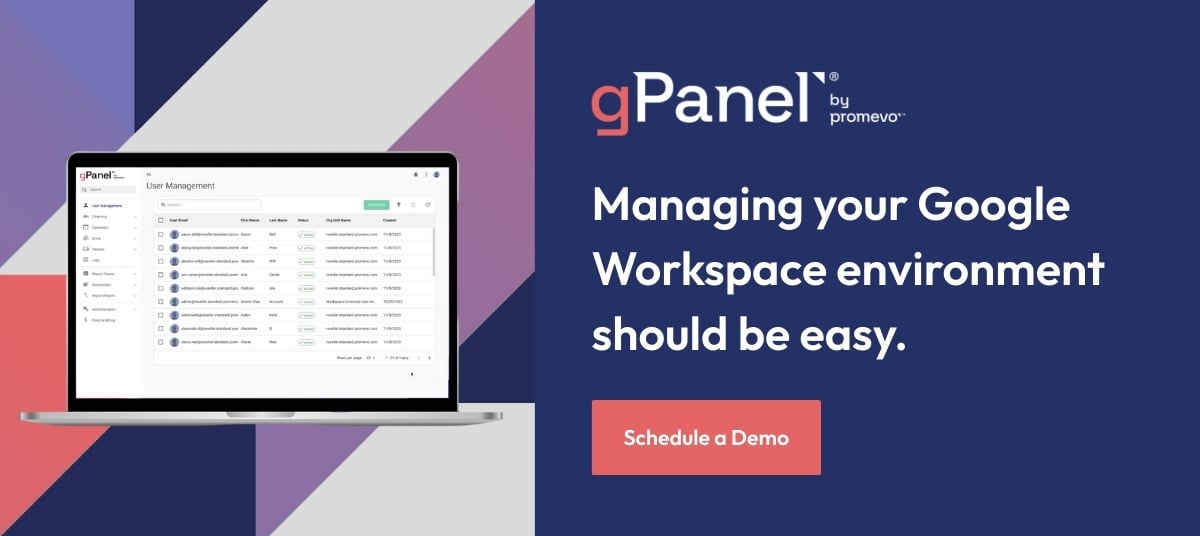
Find out how IT teams use gPanel to manage devices, users, and security policies — all from one place.
Endpoint verification is a Chrome extension and helper app that lets Google Workspace administrators see detailed information about devices accessing your organization's data, including device type, OS, sync history, encryption status, and policy compliance. It must be installed on each device and requires the user to be signed into a managed Google account.
The most common sync failures are a Keychain authorization error on macOS (resolved by updating Keychain Access Control settings or deleting and re-syncing the Endpoint Verification Safe Storage entry) and a Data Protection API (DPAPI) error on Windows (usually caused by S4U scheduled tasks interfering with the Chrome extension). Step-by-step resolution guides for both are detailed above.
Endpoint verification is the process of confirming a device's identity and compliance status. Endpoint management is the broader capability to control, enforce policies on, and take action against those devices. In Google Admin console, endpoint verification feeds device data into the management layer. gPanel surfaces both in a single, unified dashboard alongside user and data management tools.
Yes. Google Admin console lets you apply endpoint policies at both the top-level organizational unit and at child OUs. This means you can set domain-wide defaults and then override them for specific departments, locations, or device groups. gPanel extends this with deeper reporting and bulk-action capabilities across those same OUs.
While Google Admin console provides core device visibility and policy enforcement, gPanel adds centralized reporting across 70+ report types, bulk device actions, user-to-device correlation, and role-based admin controls, all from one interface. This means IT teams spend less time switching between tools and more time on strategic work. Schedule a demo to see it in action.
Meet the Author
Christine Page
Christine Page is the
Sr. Marketing Manager at Promevo and gPanel, where she leads content strategy across the company’s Google Workspace ecosystem. With a career focused on translating complex technical concepts into growth-oriented narratives, Christine previously served as the first in-house content writer and designer for Vivial (now Thryv) and specialized in research-intensive B2B strategy for technology and healthcare clients at Relequint. A recognized voice in the industry, she has been featured on the
Content Amplified podcast to discuss the evolution of digital storytelling and maintains several
HubSpot certifications. Today, she leverages her extensive background in design and research to help Promevo and gPanel users navigate the complexities of cloud-native management.






 User Management
 Group Management
 OU Management
 Gmail Management
 Drive Management
 Calendar Management
 Device Management
 Workspace Reporting
 Workspace Automation
 Billing & License Management



 Christine Page

 Christine Page : Dec 29, 2023, 12:00:00 AM
 Brandon Carter