Skip to the main content.
gPanel Starter Web Page

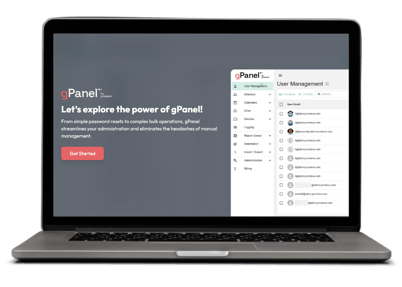
gPanel Starter 

Simplify Google Workspace management with our most essential tools for user and email administration.

Explore the Starter Tier >

gPanel Standard Wed Page

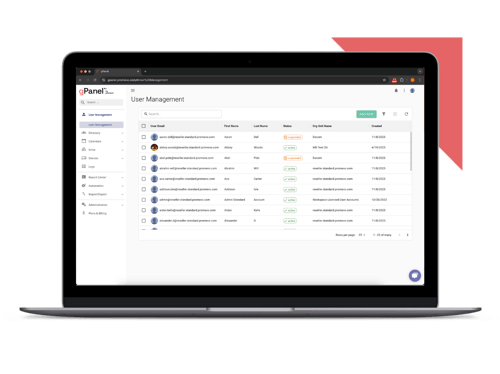
gPanel Standard

Unlock powerful automation, bulk actions, and reporting features to streamline and scale your admin workflows.

Explore the Standard Tier >
 

gPanel Enterprise Web Page

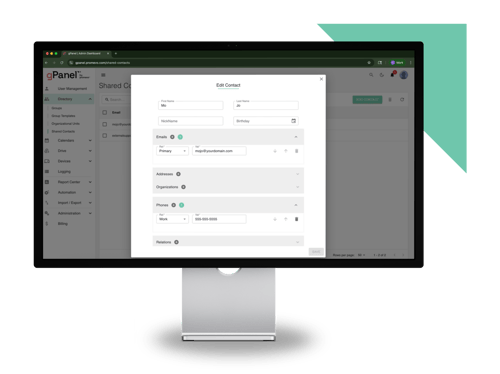
gPanel Enterprise

Take full control of your domain with advanced policies, APIs, and security tools built for large or complex environments.

Explore the Enterprise Tier >

gPanel Interactive Demo Mockup-1

Try the gPanel Interactive Demo

gPanel ROI Calculator Laptop Only-2

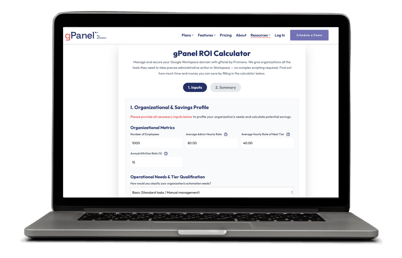
Calculate Your gPanel ROI


4 min read

September 2025 Feature Updates & Bug Fixes

Feature Updates

  • User Saved Views for the following modules:
    • Decommissioning Grid
    • You can now save your customized configurations for quick access. This new feature allows you to:
      • Save up to five unique report views.
      • Preserve all your selected columns and applied filters.
      • Assign a custom title and color to each saved view for easy identification.
      • These Saved Views are for individual users and are not shared within the domain.
  • Directory > Groups > Add Member
    • To prevent accidental additions, we've added a confirmation checkbox that will appear when selecting the “Add all current and future users” option for a group. 
  • Report Center > Reports > Create Report
    • You can now customize both the saved report title and the spreadsheet file name when creating a report. To allow for greater flexibility and dynamic naming, we have also included variables that can be used in these title fields.
  • Import / Export > Bulk Operations > Bulk Assign Archive User Licenses
    • A new "Create Template" button is now available for bulk assigning archive user licenses. This will generate a pre-formatted template, simplifying the upload process and helping to ensure data is submitted correctly.
  • Report Center > Third Party Applications
    • The Third Party Applications report has been enhanced to include three new data columns: Client ID, Anonymous, and Native App. These additions will provide more comprehensive details on the applications being reported on.
  • Automation > Rules Engine
    • We've completely redesigned the creation experience for Rules Engine. We've removed the pop-up windows and replaced them with a streamlined, full-screen interface to make setting up your automations more intuitive
  • Billing > Add License > Google Vault
    • You can now purchase additional Google Vault licenses directly through the Billing section of the platform, simplifying your license management workflow.
  • Email Templates
    • We’ve updated our email template to align with our branding standards
  • Directory > Group 
    • The Group Details section has been updated to match our standard details layout, providing a more familiar and cohesive user experience across the platform.
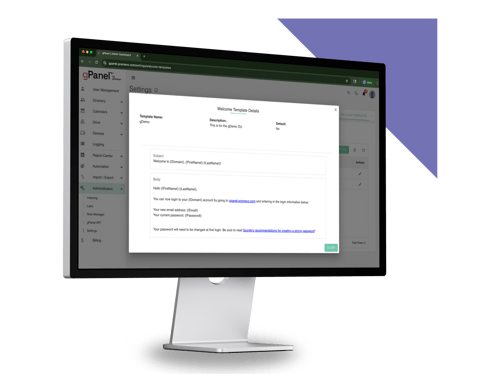
  • Administration > Settings > Welcome Templates
    • We've completely redesigned the creation experience for Welcome Templates. We've removed the pop-up windows and replaced them with a streamlined, full-screen interface to make setting up your automations more intuitive
  • Reports > Create Report
    • Continued redesign of stepper UI to eliminate the dialog and make creating and editing reports easier and more clear
  • Reports > Grid Filters
    • Able to filter on reports that have never ran to easily identify and delete out unused reports
  • Drive > Drive Actions
    • We’ve surfaced the acting user email that will be used to provide better clarity
  • Drive > Drive Actions
    • Added the ability to create, move, trash, and restore shortcuts within the Drive UI
  • Drive > Shared Drives (Enterprise only)
    • Indexing is used to help with initial load times for domains
    • Added ability to see organizational unit path name
  • Import / Export > Gmail Export
    • Added in retry attempts for larger exports to handle each export to Drive attempt more reliably
  • Calendars > Resource Calendars
    • Continued with redesign of UI for Resource Calendars create and edit form
  • Automation > Decommissioning
    • Updated validation of form stepper to match the rest of the reworked steppers
  • Automation > Drive Sweep
    • Drive Sweep grid now provides a status for when the process is running and added a default column shown to include the last run time
  • Reports > Docs Shared Externally
    • Updated this report to handle more users running in parallel to speed up the processing time.
  • Reports > Recurring Resource Calendar Event
    • Created a new report to help provide visibility into how far into the future Resource Calendars are being booked 
  • Import / Export > Bulk Operations > Calendar Event
    • A new bulk operation is now available that allows you to create calendar events in bulk, streamlining event scheduling across your organization.
  • User Management > Select User > Gmail Settings > Filters
    • You can now apply a new Gmail filter to a user's existing emails, giving you the power to retroactively organize their inbox.
  • User Management > Users Grid
    • The user creation process has been updated to our new stepper design, providing a more modern and consistent experience across the platform.
  • Import / Export > Gmail Export
    • Added in retry attempts for larger exports to handle each export to Drive attempt more reliably


Bug Fixes

  • Automation > Decommissioning
    • We've resolved an issue where an automatically triggered Decommissioning policy could incorrectly unsuspend a user. The policy will now function as expected without unintentionally changing a user's suspension status.
  • Reports > Third Party Applications
    • We have corrected a problem that was preventing the Third Party Application report from generating successfully. You should now be able to run this report to completion without interruption.
  • Role Manager > Immediate Notification
    • An issue has been fixed within the Role Manager where setting the 'View Drive Tab' permission to "Notify Immediately" would result in multiple email notifications. The system will now send a single, correct notification as intended when this permission is used.
  • User Management > Users Grid
    • Resolved an issue where filtering for Active or Suspended users would incorrectly include Archived users in the results
  • Bulk Operations > Shared Contacts 
    • Addressed a problem in Bulk Operations for Shared Contacts where some users were unable to proceed past the Sources selection screen
  • Rules Engine > Send Email Action
    • Corrected an issue within the Rules Engine where the 'Send Email' action failed to execute when initiated by the Download Documents trigger
  • Import / Export > Gmail Export
    • Resolved an error that caused the Gmail Export to fail when attempting to download directly to a Google Shared Drive
  • Reports  > Docs Shared Externally
    • Addressed a problem where the Docs Shared Externally report would not complete successfully for certain domains
  • Automation > Contact Sync
    • Corrected an error that occurred when editing a Contact Sync automation, which prevented users from navigating beyond the Sources screen
  • User Management > Users Grid
    • Resolved an issue where updating a user email could cause the old email to still appear in the Users Grid.
  • Import / Export > Gmail Export
    • Resolved an issue if an export had too many download URLs, the export to Drive process could fail
  • Drive > Drive Grid
    • Handled more cases where determining the folder hierarchy of a specific file were failing
  • User Management > Profile Picture Upload
    • Fixed cases where a profile picture would fail to upload

July 2025 Feature Updates & Bug Fixes

July 2025 Feature Updates & Bug Fixes

gPanel Release Notes for July 31, 2025. Monthly summary of feature updates and bug fixes.

Read More
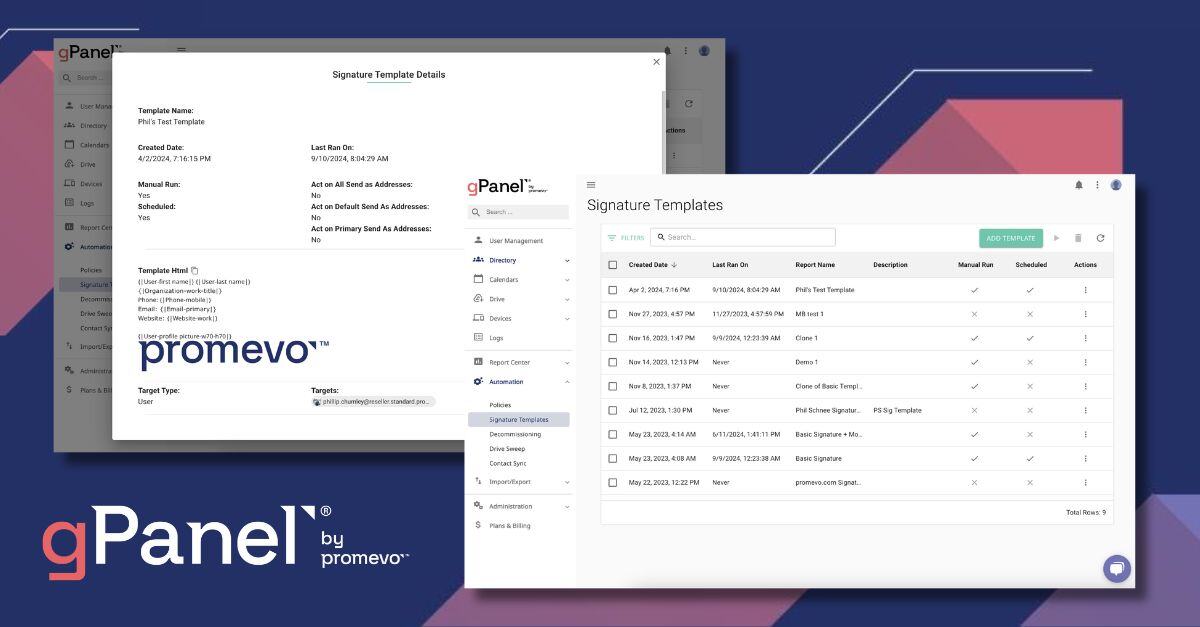
Upgraded Interface for Signature Templates

Upgraded Interface for Signature Templates

gPanel Release Notes for September 10, 2024. Promevo unveils new interface for gPanel's Signature Templates tool.
Read More
Indexing for User Updates & User Undeletes

Indexing for User Updates & User Undeletes

gPanel Release Notes for February 20, 2024. Promevo upgrades indexing for user updates and undeletes.

Read More