 User Management
 Group Management
 OU Management
 Gmail Management
 Drive Management
 Calendar Management
 Device Management
 Workspace Reporting
 Workspace Automation
 Billing & License Management

February 2026 Feature Updates & Bug Fixes
 Monica Patel : Mar 9, 2026
gPanel Release Notes for Febraury 2026. Monthly summary of feature updates and bug fixes.



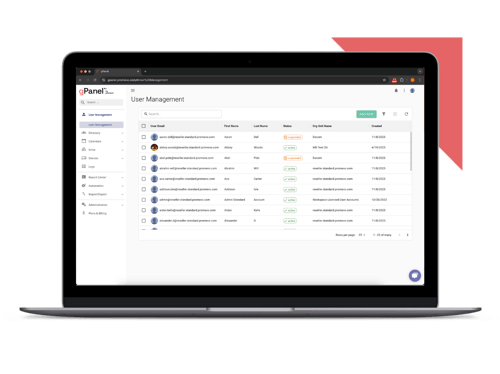
Simplify Google Workspace management with our most essential tools for user and email administration.
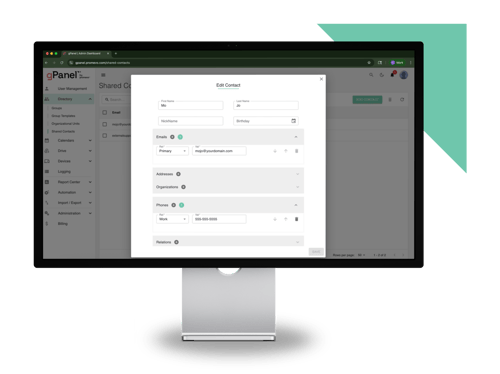
Unlock powerful automation, bulk actions, and reporting features to streamline and scale your admin workflows.
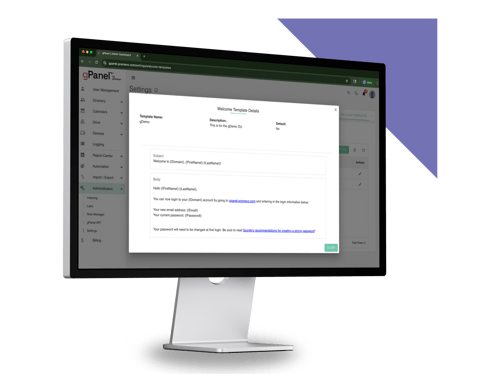
Take full control of your domain with advanced policies, APIs, and security tools built for large or complex environments.
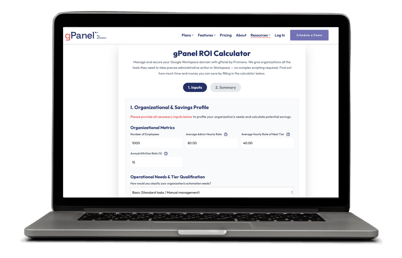

We've rolled out several updates to our User Interface (UI) this month, including:
Standardized modal dialogs (i.e., overlay windows) have been applied across: User Management, Drive Sweep, Drive Search, Drive Explorer, Signature Templates, Groups, Group Templates, Organizational Units, Shared Contacts, gPanel Contacts, Contact Sync, gMail deletion, gMail Export, Bulk Operations, Policies, Reports, Chrome Devices, Mobile Management, Resource Templates, Resource Calendars, Decommissioning, and Shared Drives.
A drawer-based interface (i.e., sliding panels that enter from the edge of the screen) has been introduced for Signature Templates, Drive Sweep, and Decommissioning.
Reports are now organized into two collapsible sections: Domain Pinned Reports and All Reports. A report can only appear in one section at a time. Pinning supports both individual and global permissions, allowing admins to highlight reports domain-wide while users retain personal customization.
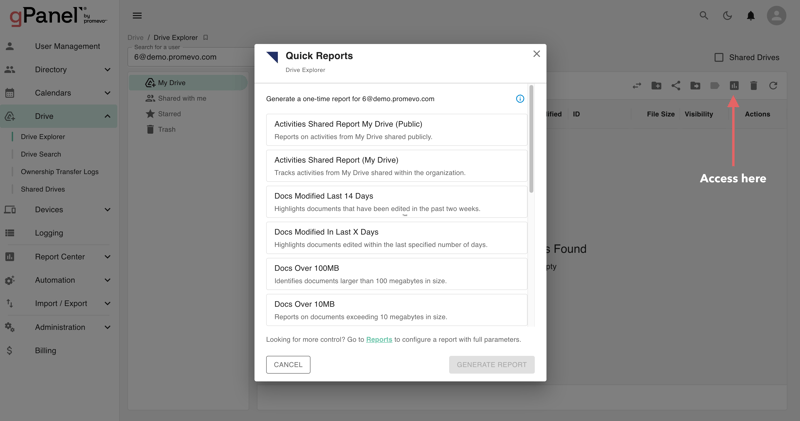
Added Report Status Indicators such as Report Running (Enabled) and Run Report (Disabled/Enabled) to grid views.
These updates make our platform more intuitive, polished, and require less clicks.
Here are some features requests made by real gPanel users that we've added to the platform this month:
Implementing feature requests from real gPanels customers is one of the best ways we continuously optimize the Workspace management platform to give admins the tools they need to manage their Google Workspace domain more securely and effectively.
Have a feature request for us? Reach out to our team!

 Monica Patel : Mar 9, 2026
gPanel Release Notes for Febraury 2026. Monthly summary of feature updates and bug fixes.
 Monica Patel : Apr 8, 2026
gPanel Release Notes for March 2026. Monthly summary of feature updates and bug fixes.
 Monica Patel : May 6, 2026
gPanel Release Notes for April 2026. Monthly summary of feature updates and bug fixes.