

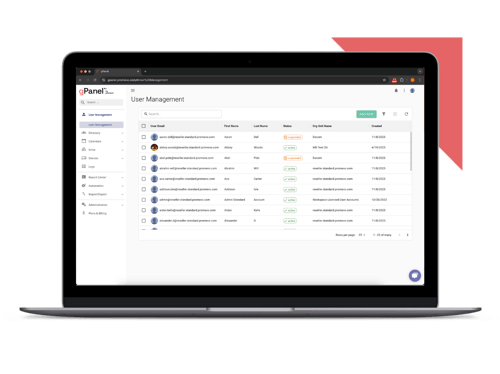
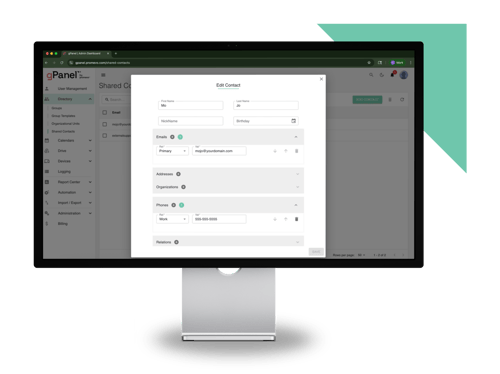
 User Management
 Group Management
 OU Management
 Gmail Management
 Drive Management
 Calendar Management
 Device Management
 Workspace Reporting
 Workspace Automation
 Billing & License Management


We're excited to announce we've launched a direct Google Vault integration within gPanel to streamline data preservation and legal compliance.
What's Changing
Here's a quick summary of the Google Vault capabilities we've added to the platform:
-
Automated Offboarding Preservation: You can now add Google Vault export actions directly into your gPanel Decommissioning Policies. Data preservation for Gmail, Google Calendar, Google Chat, Google Drive, Google Gemini, and Google Groups triggers automatically during user offboarding.
-
Built-In Error Handling & Retries: gPanel verifies Vault licenses automatically upon policy execution. If an action fails due to missing permissions or license gaps, gPanel logs detailed diagnostic errors and automatically retries the action daily for 5 consecutive days before requiring manual intervention.
-
Centralized Vault Governance Hub: Legal, HR, and Compliance teams can manage Vault Matters and perform targeted corpus exports (Gmail, Calendar, Chat, Drive, Gemini, Groups) directly inside gPanel without needing full Google Admin Console access.
-
Enhanced Compliance Controls: Access permissions can be granularly scoped by role (Create, Edit, Delete, View, Download). To maintain a strict audit trail, viewing export details or downloading preserved data requires a mandatory justification entry.
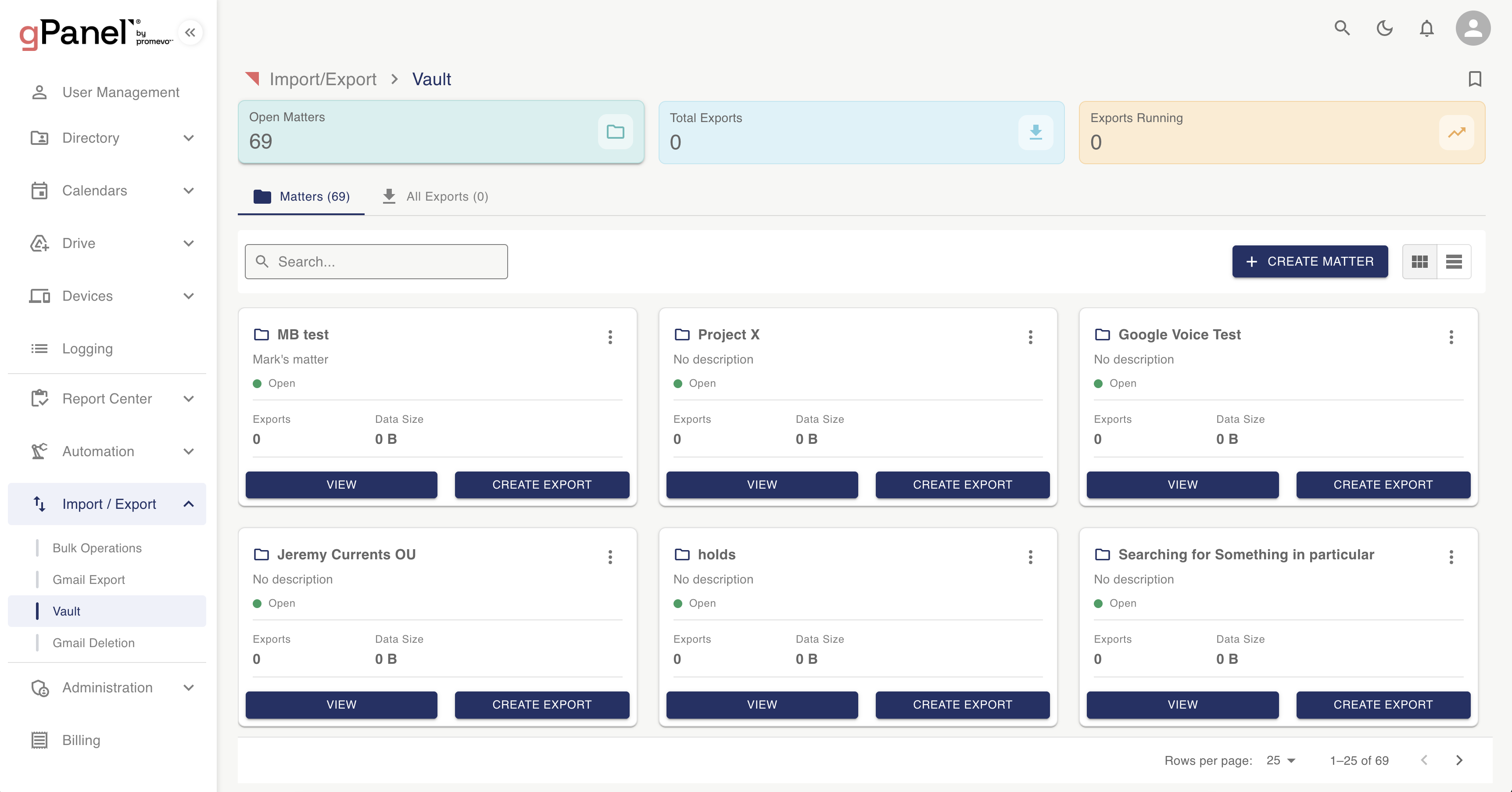
To utilize Vault actions and management, end-users must hold a valid Google Vault license and belong to a supported Google Workspace edition (including Business Plus, Enterprise, Education, and Frontline). Administrators can also assign Vault privileges (such as Manage Matters or Manage Exports) to end-users via gPanel or the Admin console.
The gPanel Knowledge Base has been updated to reflect these updates. You can review the updated workflows in the articles below:
Who’s Impacted
Administrators
Why It’s Important
Employee offboarding represents a high-risk moment for data loss, accidental deletion, and compliance gaps. When data preservation relies on manual handoffs between IT, HR, and Legal teams, critical information can easily be overlooked, exposing your organization during legal litigation or regulatory audits.
By automating Vault exports within gPanel decommissioning workflows, data preservation becomes defensible by default the moment a user is offboarded. Furthermore, bringing Vault management into gPanel gives Legal and Compliance teams the exact visibility they need to conduct eDiscovery without over-permissioning them with administrative rights in the Google Admin Console.
Rollout Pace
These changes have already been fully deployed and are live in the gPanel platform.
Availability
General Google Vault management is available to Starter, Standard, and Enterprise tiers. Google Vault decommissioning actions are available in Standard and Enterprise.