Google Workspace often starts out in an organization as a simple, easy-to-use collaboration tool. Employees intuitively appreciate the real-time collaboration of Google Docs, the seamless scheduling of Google Calendar, and the frictionless nature of Gmail.
But as an enterprise scales up to thousands of employees, that friendly collaboration space turns into a complex infrastructure core to how the business runs.
 What was once "just an email domain" is suddenly central to hiring pipelines, revenue operations, cross-regional communications, sensitive document management, and rapid AI adoption across multiple offices.
IT leaders are left staring down a maze of Shared Drives, security risks, and offboarding workflows that the native Google Admin console wasn't entirely built to handle alone.
When searching for enterprise-grade control, two major names commonly pop up: CloudM and gPanel. While they both solve the creeping headaches of managing massive user bases, they operate in completely different layers of your ecosystem.
Perimeter & Transitions
CloudM
Cross-platform lifecycle infrastructure
Focuses heavily on the heavy lifting of moving, archiving, and backing up data across hybrid systems.
vs
Daily Governance
gPanel
Deep Google Workspace administration
Built exclusively for deep Google Workspace administration, proactive governance, and giving you the day-to-day data visibility you need to lead with confidence.
Choosing between the two requires a deep understanding of what each tool was engineered to do, when they should be deployed, and how they can even be utilized together to build a stronger IT strategy.
Where Do CloudM & gPanel Work Together?
It's easy to look at these two platforms and assume it's an either-or choice, but they actually play incredibly well together.
They overlap slightly when it comes to user lifecycle management and automating administrative workflows, but they look at your data from different viewpoints.
CloudM handles the perimeter and transitions.
CloudM operates primarily at the perimeter of your live environment, focusing heavily on data in transit or data at rest for compliance. It supports what enters, exits, or migrates between different systems or separate corporate tenants.
For instance, if your enterprise is actively undergoing an acquisition, spinning up a new subsidiary, or executing a massive cross-platform migration between Google Workspace and Microsoft 365, CloudM sits in that transitional space. It ensures that large blocks of historical data are safely moved, backed up, or securely archived outside of active daily operations so organizations can reclaim expensive active user licenses without losing critical compliance records.
gPanel handles the internal day-to-day operations.
gPanel, on the other hand, focuses entirely on continuous governance, security, and administration inside the active Google Workspace domain. It supports what stays, grows, and operates within your daily Google environment.
Once users are inside the ecosystem, gPanel acts as the definitive central command center for your IT team. It gives workspace administrators the power to:
- Execute live user provisioning
- Manage complex organizational units (OUs)
- Handle Chrome device deployments
- Perform granular "Search & Sweep" operations to locate and remediate hidden security risks inside Google Drive
When paired up, often through specialized gPanel and CloudM bundles from Promevo, the creators of gPanel, they eliminate gaps in your IT strategy. CloudM cleanly manages the boundary lines of the organization, while gPanel provides the daily administrative structure that allows IT leaders to scale operations with total clarity and confidence.
🔗
Better Together: The Bundle Approach
Many large enterprises get the strongest results by pairing both tools. CloudM manages the boundary lines (migrations, backups, archives) while gPanel handles the daily administrative structure inside your active domain. Learn more about the gPanel and CloudM bundle from Promevo.
What Is CloudM? Their 6 Different Core Products, Explained
CloudM doesn't operate as a single software dashboard; it is a modular suite of tools built around the lifecycle of your data across both Google Workspace and Microsoft 365 environments.
Here's a breakdown of their six core products and how those functional needs compare to what you get inside of the gPanel platform.
CloudM Product Modules vs. gPanel Capabilities
CloudM separates these functions into distinct modules for hybrid environments. gPanel, on the other hand, consolidates its administrative features into a single, unified Google Workspace governance layer.
What Is gPanel?
While CloudM relies on separate modules to tackle individual data events, gPanel functions as a complete enterprise console built exclusively to master Google Workspace. It acts as an ongoing governance, security, and administrative engine that gives IT leaders the tools they need to run a clean, compliant Workspace domain without duplicating manual effort or burning out IT staff.
Instead of treating features like standalone purchases, gPanel integrates its tools into a single management interface. Here are some of the platform's most central features:
gPanel Core Features at a Glance
gPanel consolidates these layers to keep your daily operations structured, secure, and completely repeatable, ensuring that as your Google footprint scales, your administrative burden doesn't scale with it.
CloudM vs gPanel: 2026-2027 Roadmap
As enterprise environments scale and security considerations grow more intense, both platforms are doubling down on what they do best to support growing organizations.
As CloudM has described on their blog, their goal is to "provide the automated infrastructure that allows businesses to migrate safely, govern intelligently, and let their teams run at the speed of Gemini, without looking back." While they have not published their entire internal product roadmap publicly, this mission is their guiding force behind it.
gPanel's roadmap is hyper-focused on redesigning the Google Workspace experience for enterprise needs, from data control to operational intelligence, and laying the groundwork for true digital transformation.
Promevo is currently developing enhancements like deeper reporting features, expanded integrations, and powerful AI agents to make your administrative control increasingly centralized, intuitive, and secure.
CloudM vs gPanel Use Cases: Where Does Each Software Perform Best?
To get the best return on your software investment, you need to deploy tools where they are naturally engineered to succeed, rather than forcing a single platform to solve every unique IT challenge.
CloudM: A Tool For Organizations With Data Constantly on the Move
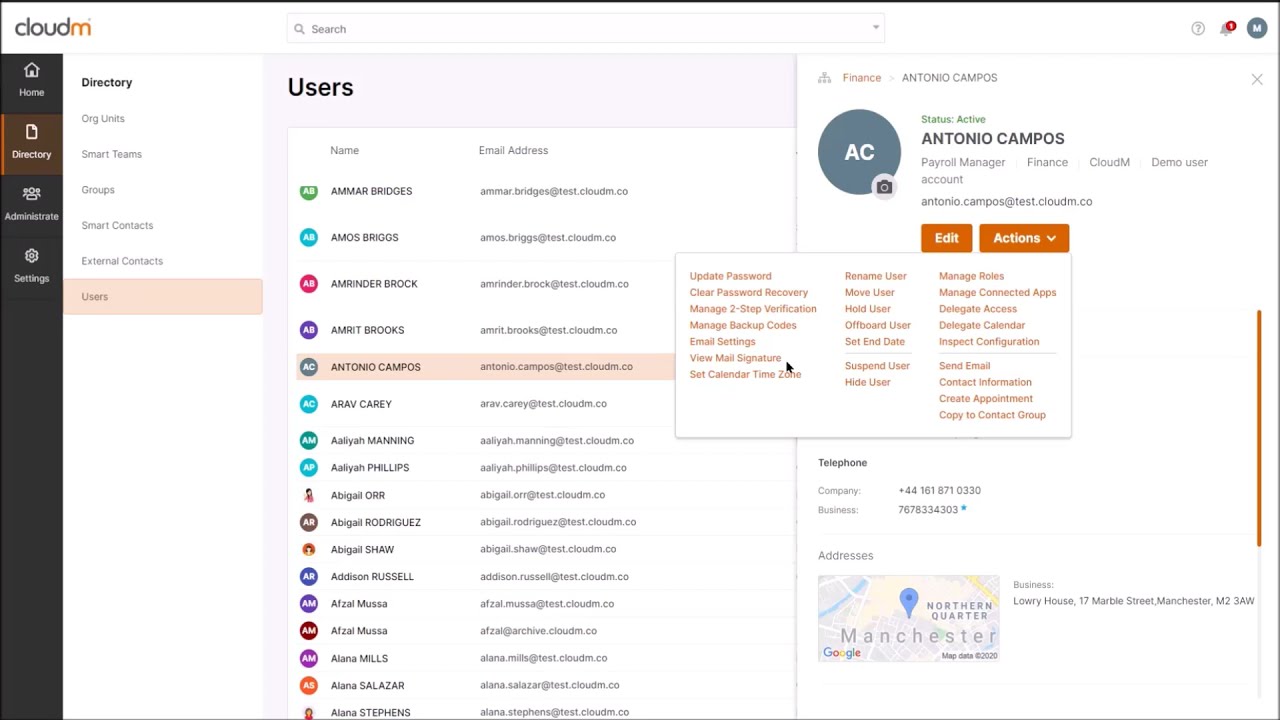
CloudM shines brightest in multi-platform IT environments where Google Workspace is just one part of a broader identity and communication infrastructure. It's a tool designed to orchestrate policy-driven automation across completely different systems (like Google and Microsoft side-by-side).
If your core operational pain points revolve around moving terabytes of historical user data from legacy platforms, maintaining rigorous long-term cold storage data archives outside of your live operational environment, or deploying lifecycle workflows that must execute across both Google and Microsoft ecosystems simultaneously, CloudM is the ideal engine for your infrastructure.
"CloudM provides a simple and reliable migration experience with excellent automation, detailed reporting, and easy management of Google Workspace and Microsoft 365 environments. It saves time and makes complex migrations much easier."
Akash Y., Google Workspace Support Engineer on G2
gPanel: Deep Workspace Administration for Everyday Efficiency
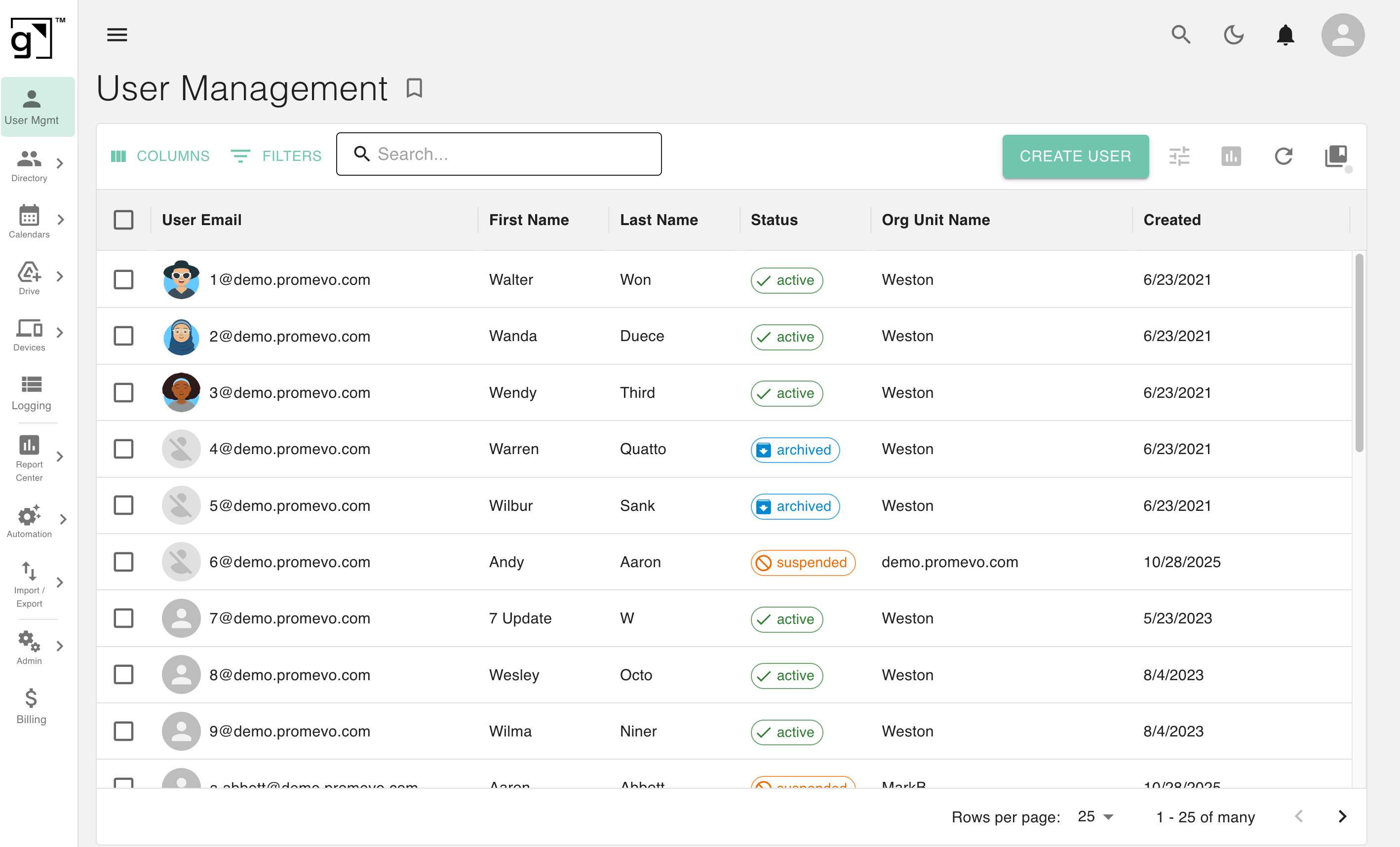
gPanel performs best for Google Workspace-first teams that need to eliminate administrative chaos, mitigate hidden security vulnerabilities, and replace manual workarounds with structured, repeatable processes. It's an enterprise console built to bring simplicity and structure to your live environment so that your IT operations can scale with confidence.
gPanel excels when you need to safely enforce the Principle of Least Privilege. It gives you the power to safely reduce dangerous super admin sprawl through granular, scoped delegation. This gives support teams with exactly the localized access they need to manage specific OUs, groups, or tasks without giving them the "keys to the kingdom."
It also helps admins master Google Drive governance. Its specialized "Search & Sweep" capabilities give visibility into external file sharing, unmanaged Shared Drives, and risky third-party domain delegations, allowing you to secure your data asset footprint in clicks rather than hours. It ensures your Workspace environment scales sustainably without multiplying your workload.
"I love how intuitive and easy to use gPanel is, especially for handling IT administration tasks like managing Google accounts. The setup process was smooth and straightforward, and its features for creating, deactivating accounts, and managing Google Groups significantly streamline my workflow. It's a reliable tool for managing permissions and settings effortlessly."
Joao R. on G2
Fast Answers: 8 Things You Need to Know Before Choosing
Still have questions about how these platforms line up? We have answers. Well, eight of them anyway...
 Can you use CloudM and gPanel together?
Absolutely. Many large organizations use CloudM to handle complex cross-system transitions and data protection, while using gPanel to manage their live, ongoing day-to-day Workspace operations.
- Which platform is better for large-scale user management?
It depends on your infrastructure. CloudM is great for scaling lifecycle workflows across multiple distinct IT systems, whereas gPanel gives you much deeper, granular, and continuous control inside your active Google domain.
- Does CloudM replace the need for a dedicated Workspace admin tool?
No. CloudM is a complementary lifecycle suite. It doesn't replace the deep, everyday structural governance and file-level security monitoring many organizations rely on.
- Which tool requires more technical setup?
CloudM generally demands a heavier configuration process. Because of its modular architecture and cross-platform deployment capabilities, mapping it across separate ecosystems takes more upfront technical alignment.
- How does pricing scale as your organization grows?
Both platforms scale using a predictable per-user licensing model. However, CloudM's pricing is split across its individual product modules, while gPanel offers three tiered pricing plans (Starter, Standard, and Enterprise).
- Which platform handles offboarding more comprehensively?
They look at offboarding differently. CloudM handles broad lifecycle states and system transitions across platforms, focusing heavily on backing up data and cold archiving. gPanel runs deep, Google-native offboarding actions like immediate file ownership transfers, automated license recycling, and granular access revocation so operations never skip a beat.
- What happens to Workspace data when an employee leaves if I only use CloudM?
CloudM can successfully transition or back up the user's data to cold storage so you can safely reclaim their active license. However, keeping tabs on file access, managing orphaned Shared Drives, and enforcing strict security policies on the files they left behind requires continuous administrative tooling like gPanel.
- What happens when organizations need both migration and governance?
They pair them together. Organizations can utilize CloudM's specialized migration engine to safely move data during major corporate transitions and deploy gPanel to govern, manage, and protect that data moving forward.
Ready to Stop Managing Google Workspace the Hard Way?
Managing an enterprise footprint means your IT environment shouldn't feel like a ticking time bomb of manual workarounds and hidden risks.
 CloudM and gPanel both bring immense value to your tech stack, but they serve different operational layers. CloudM expands how your data flows, transitions, and archives across diverse, separate systems; gPanel expands how your live Google Workspace environment is governed, optimized, and controlled from the inside out.
Instead of forcing a single tool to do everything, the most successful enterprise IT teams align each platform to its true strength.
If you're ready to eliminate human error, safely reduce super admin sprawl, and bring simplicity, clarity, and total confidence back to your Google Workspace administration, gPanel handles all four objectives excellently.
Schedule a demo of gPanel here.


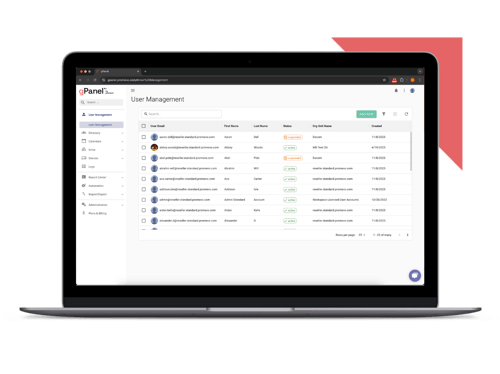
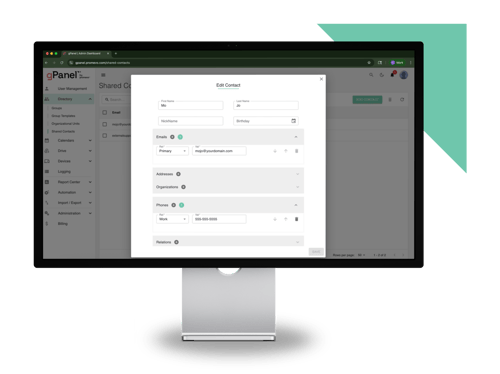
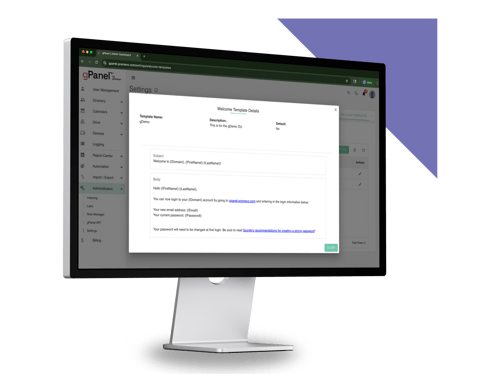
 User Management
 Group Management
 OU Management
 Gmail Management
 Drive Management
 Calendar Management
 Device Management
 Workspace Reporting
 Workspace Automation
 Billing & License Management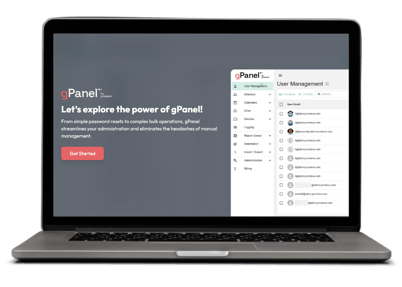


 John Pettit
 John Pettit : Jun 26, 2026, 5:00:00 AM

 Brandon Carter